Skip to content
 Upload your bank statements (PDFs or scans) and instantly extract structured transaction data to use directly in Xero – free, fast, and accurate.
Upload a PDF or image and extract every transaction in seconds.
Drag and drop your statement, or choose it from your device.
Please keep this page open while we process your file.
Your transactions have been extracted successfully.
PDF, JPG, or PNG. Any size. Extract every transaction in seconds.
Eliminate manual typing of transactions.
AI extracts dates, descriptions, and amounts reliably.
Compare extracted data against existing records for reconciliation.
No cost, no hidden fees.
Drop a PDF or image of any bank statement. Up to hundreds of pages.
Our pipeline detects the layout and reads every transaction in parallel batches.
Edit anything that needs fixing, then export to CSV or Excel.
This free tool isn’t just a generic extractor. It’s designed to fit directly into Xero bookkeeping processes.
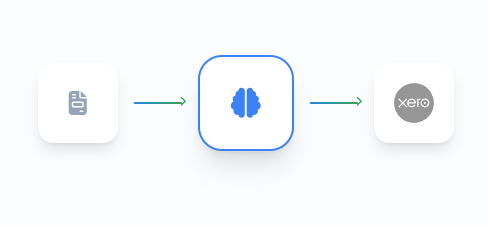
Instantly check monthly bank activity without manual entry.
Scale reconciliation across multiple clients with ease.
Spend less time typing, more time reviewing.
Digital PDFs and scanned files.
Yes, dates, descriptions, and amounts.
Yes, extracted data can be compared for reconciliation.
No, it complements them by validating transaction data.
Yes, no signup or payment required.
Instant results. Works with Xero workflows.
 Optimized by Seraphinite Accelerator