
Accurate transaction categorization is the backbone of reliable bookkeeping. In Xero, every expense, bill, and payment needs to be assigned to the right account category. Done manually, this process is repetitive, error-prone, and time-consuming. The good news? Xero offers built-in automation tools, and with advanced solutions like Nifty AI, you can take categorization to the next level.
In this guide, we’ll explore why categorization matters, how Xero’s automation features work, and how AI can transform your bookkeeping workflow.
Why Categorization Matters in Xero
Accurate categorization in Xero is more than just bookkeeping hygiene, it’s the foundation of financial clarity and compliance. Every transaction, whether it’s a supplier invoice, a client payment, or a recurring subscription, needs to be placed in the right account category.
- Financial reporting: Misclassified expenses distort profit and loss statements, making it harder to understand true business performance. Proper categorization ensures reports reflect reality and support better decision-making.
- Tax preparation: Clean categorization simplifies tax filing, reduces the risk of missed deductions, and ensures compliance with local regulations.
- Cash flow management: Categorized transactions provide visibility into spending patterns, helping businesses forecast and manage liquidity.
- Audit readiness: Auditors rely on well-organized records. Categorization creates a transparent trail that reduces stress during audits and builds trust with stakeholders.
- Strategic insights: Beyond compliance, categorized data reveals trends, such as rising supplier costs or underperforming revenue streams, enabling proactive business decisions.
In short, categorization is not just about bookkeeping; it’s about turning raw data into actionable insights.
Manual vs. Automated Categorization
Traditionally, categorization in Xero has been a manual process. Bookkeepers or business owners review each transaction, decide which account it belongs to, and enter it into the system.
Manual categorization:
- Time-consuming: Reviewing hundreds of transactions can take hours.
- Error-prone: Human fatigue leads to misclassifications, duplicate entries, or missed transactions.
- Inconsistent: Different team members may apply categories differently, creating confusion.
- Limited scalability: As transaction volume grows, manual methods quickly become unsustainable.
Automated categorization:
- Rules and defaults: Xero’s built-in bank rules and supplier defaults automatically apply categories to recurring transactions.
- AI-driven categorization: Platforms like Nifty AI go further by learning from historical data, vendor behavior, and expense patterns to suggest categories intelligently.
- Consistency and accuracy: Automation applies the same logic every time, reducing inconsistencies.
- Scalability: Whether you process 50 or 5,000 transactions, automation scales effortlessly.
- Human oversight: Exceptions are flagged for review, ensuring compliance without slowing down the workflow.
The difference is clear: manual categorization is reactive and labor-intensive, while automation is proactive, consistent, and scalable. Businesses that adopt automation not only save time but also gain confidence in the accuracy of their financial data.
Built-in Xero Tools for Automation
1. Bank Rules
Xero allows you to create rules that automatically categorize transactions based on conditions (e.g., “If payment is to Uber, categorize as Travel Expenses”).
2. Default Accounts
You can assign default accounts to specific suppliers or customers. Every time you record a transaction with them, Xero applies the default category.
3. Repeating Transactions
For recurring bills or invoices, Xero can automatically generate and categorize them, saving you from re-entering the same data.
These features are powerful, but they still require setup and ongoing maintenance.
Advanced Automation with Nifty AI
This is where Nifty AI enhances Xero’s capabilities:
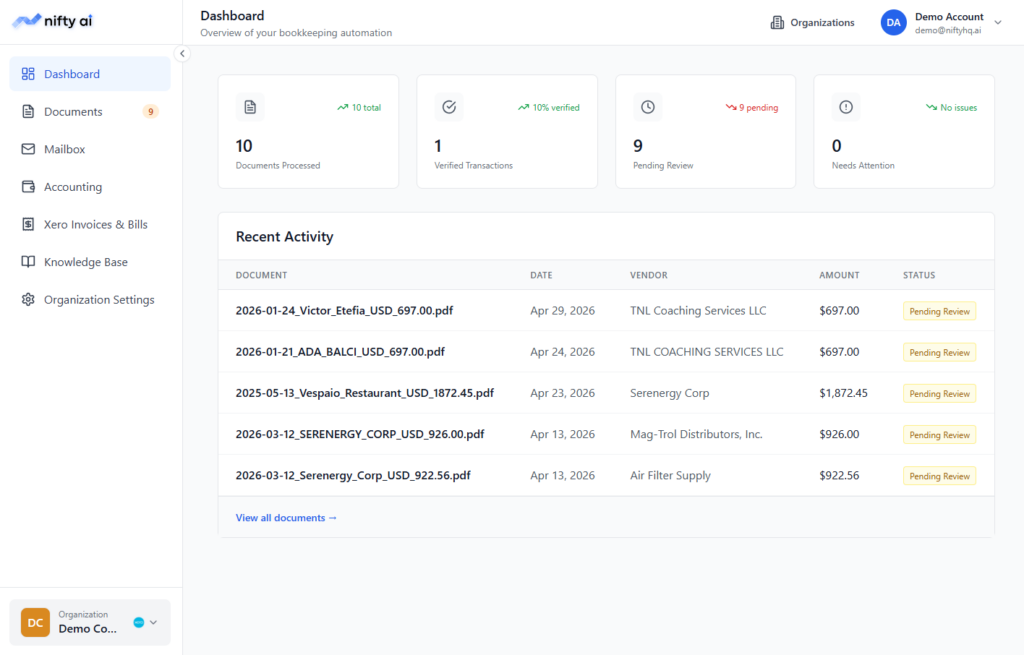
- Email-to-Xero automation: Bills and receipts are captured directly from Gmail or Outlook, eliminating manual uploads.
- Smart Categorization: AI learns from past transactions, vendor patterns, and expense types to suggest the most relevant category automatically. Over time, it becomes more accurate as it adapts to your bookkeeping style.
- Duplicate Detection: Prevents double entries by flagging identical invoices or receipts.
- Audit Trail Logging: Every action is traceable, ensuring compliance and transparency.
- Human Oversight: Exceptions are flagged for review, balancing automation with accuracy.
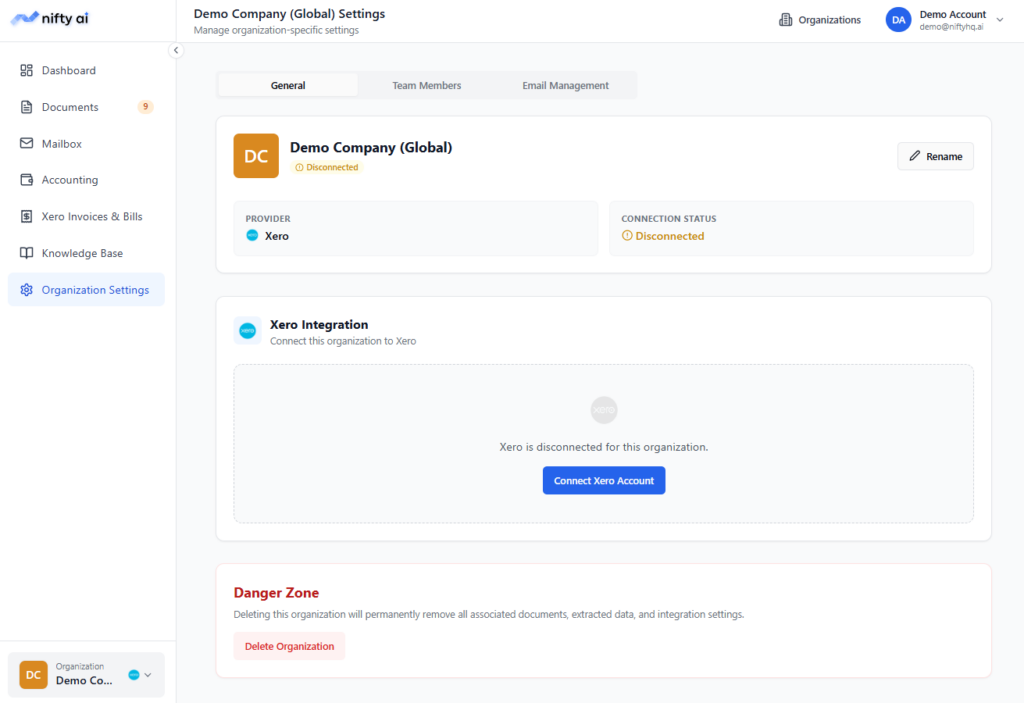
- Multi-Entity Management: Handle categorization across multiple organizations from one dashboard.
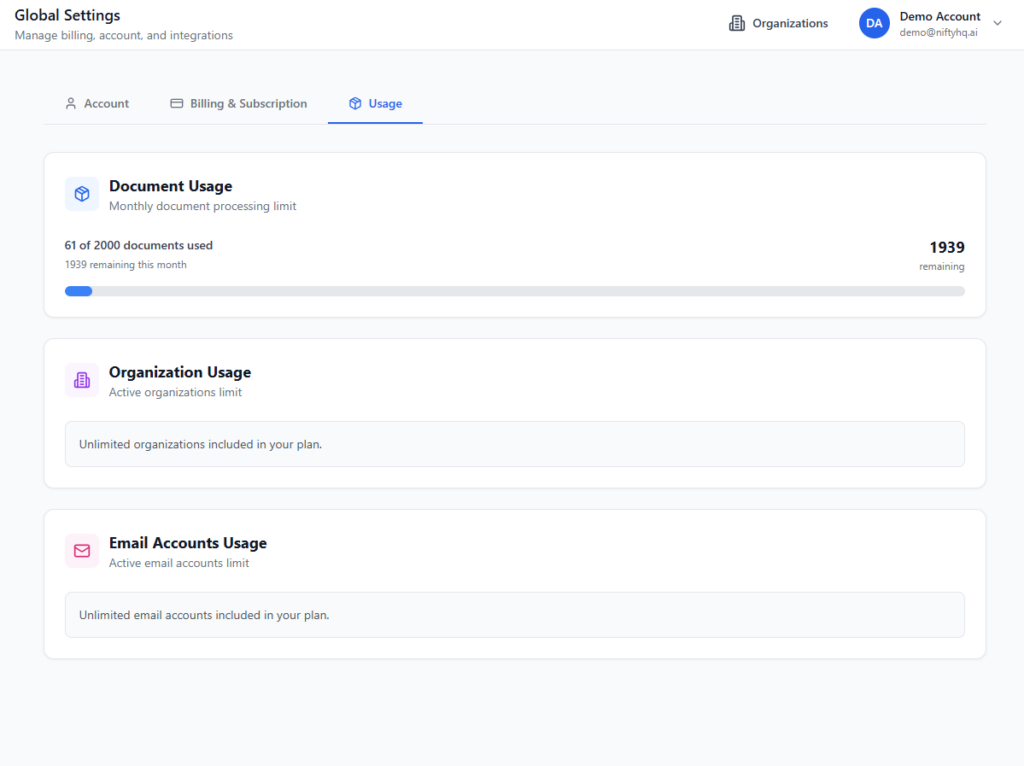
- Scalable Document Processing: Whether you process 50 or 5,000 documents monthly, Nifty AI scales without slowing down.
Step-by-Step Guide: Automating Categorization in Xero
- Connect your email accounts
- Link Gmail or Outlook to capture receipts and invoices automatically.
- Use Nifty AI’s forwarding address to route documents directly into your organization.
- Set up bank rules in Xero
- Create rules for recurring vendors and expense types.
- Example: “If payment is to Starbucks, categorize it as Meals & Entertainment.”
- Assign default accounts
- Map suppliers and customers to categories for consistency.
- Example: “Amazon Business → Office Supplies.”
- Enable AI categorization
- Let Nifty AI analyze transactions and suggest categories based on historical data.
- AI adapts over time, improving accuracy with every transaction.
- Review flagged transactions
- Human oversight ensures exceptions are handled correctly.
- Pending reviews can be approved or corrected before syncing.
- Sync with Xero
- Finalized transactions flow into Xero, ready for reporting and audits.
Benefits of Automatic Categorization
- Time savings: Businesses save hours every month by eliminating manual categorization.
- Error reduction: AI minimizes misclassifications and ensures consistency.
- Audit readiness: Transparent logs and audit trails make compliance easier.
- Scalability: Handles growing transaction volumes effortlessly, whether you’re a startup or a large firm.
- Financial clarity: Clean books provide better insights for decision-making.
- Team efficiency: Approval workflows allow multiple team members to collaborate without confusion.
- Cost savings: Reduced bookkeeping hours translate into lower operational costs.
Real-World Example
Imagine a small e-commerce business processing 500 transactions monthly. Manually categorizing each one could take 15-20 hours. With Xero rules, that time drops to 10 hours. With Nifty AI, it shrinks further to 2-3 hours, with higher accuracy and audit-ready records.
Conclusion
Categorizing transactions in Xero doesn’t have to be a manual headache. By combining Xero’s built-in automation tools with advanced AI solutions like Nifty AI, businesses can save time, reduce errors, and stay audit-ready.
Automation isn’t just about speed, it’s about building reliable financial systems that scale with your business.
Ready to simplify your bookkeeping? Explore how Nifty AI can help you automate categorization in Xero and free your team to focus on growth.